
 McLearn® · Guide
Xie Zi 写字板 Chinese stroke-order writing pad
Master Chinese characters one stroke at a time. Xie Zi teaches you to write hanzi, not just recognise them: trace each character on screen with real-time feedback, watch the animated stroke order, and work through 9,500+ characters and radicals by HSK level.


一笔一画,写出爱。
Stroke by stroke, write 爱 (love). Thirty seconds, in Simplified or Traditional Chinese.
Write it, don't just read it.
Trace each character on screen and get instant feedback: correct strokes are accepted, wrong ones are gently rejected, so you build the right muscle memory from the start.
Real-time stroke feedback
The outline guides you, and radicals are highlighted in their own colour.
Animated stroke order
Watch it as many times as you need. The stroke data is authentic: the order is the one you would be taught.
Decomposition
See the radicals and components a character is built from.
Tap to hear
Any character, read aloud.
A guided tour of the app
The screenshots show the Simplified Chinese interface; the labels are given here in Chinese with an English gloss.
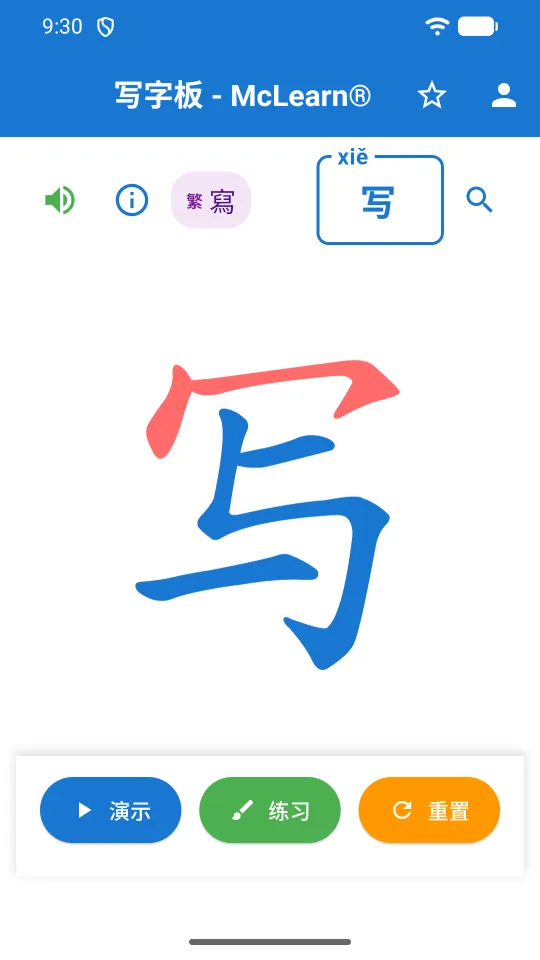
The writing pad
The character fills the screen. Along the top: the speaker to hear it, ⓘ for its details, the 繁 chip showing its Traditional form, the character box with its pinyin, and search.
Along the bottom: 演示 Demo, 练习 Practice and 重置 Reset.
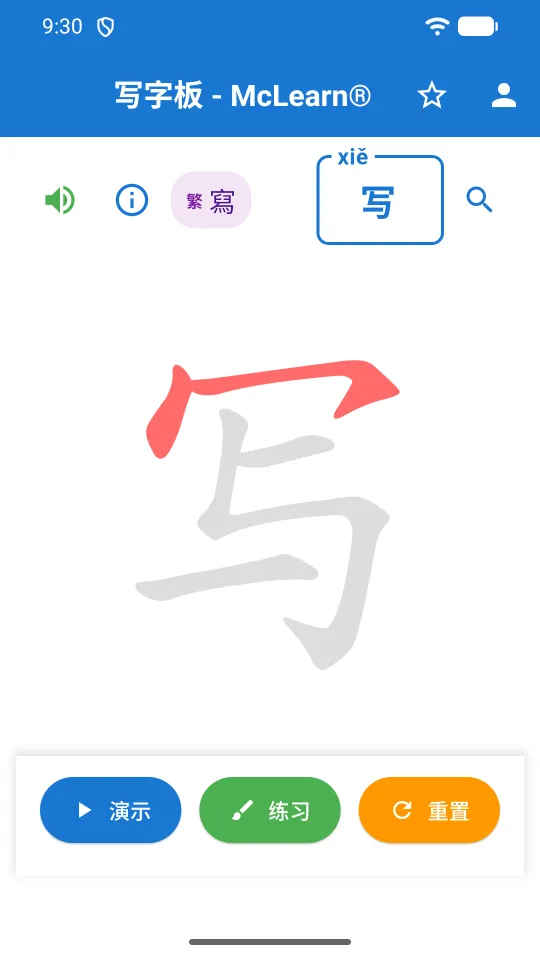
Watch the stroke order
Tap 演示 and the character draws itself in the right order, one stroke at a time. Replay it as often as you like before you try.
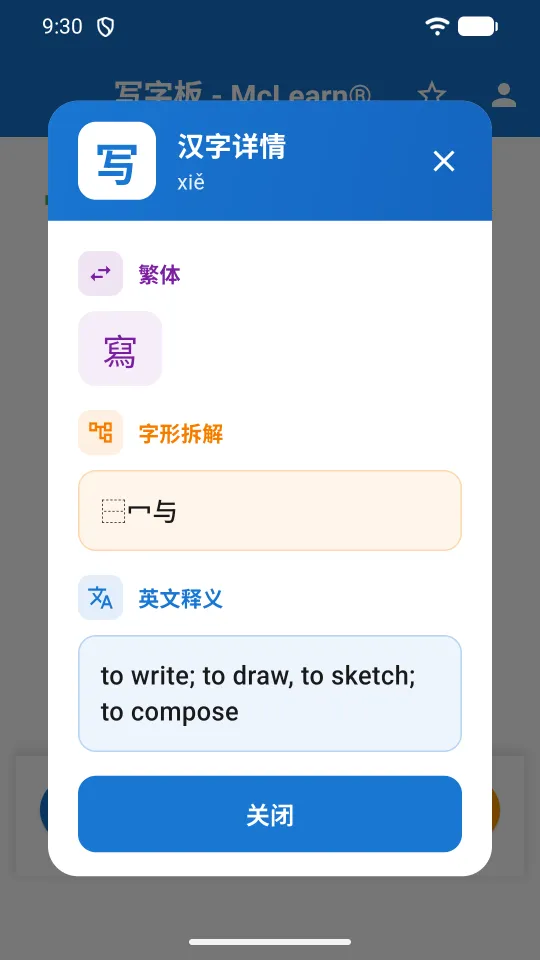
Character details
汉字详情 shows the Traditional counterpart (寫 for 写), the 字形拆解 decomposition into components, and the 英文释义 English meaning.
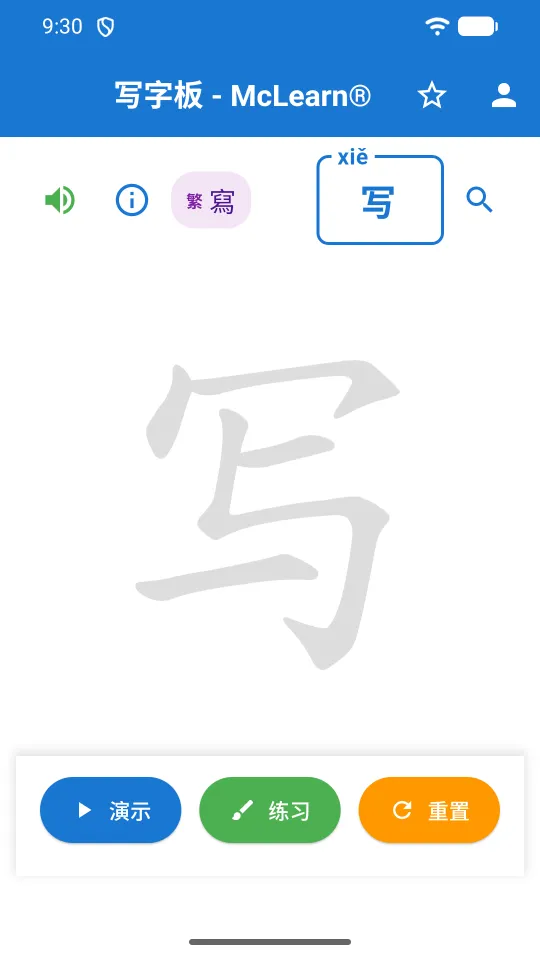
Write it yourself
Tap 练习 and trace the character over its outline. A correct stroke is accepted and stays; a wrong one is rejected so you can try again. 重置 clears the pad.
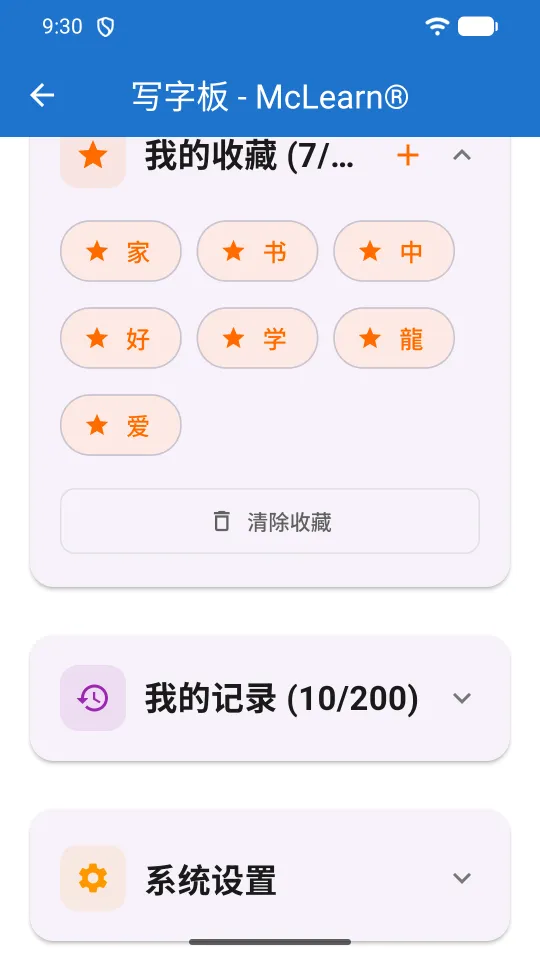
Favourites and history
Star a character to keep it in 我的收藏. 我的记录 remembers what you practised. Both are kept on your device, and each has a button to clear it.
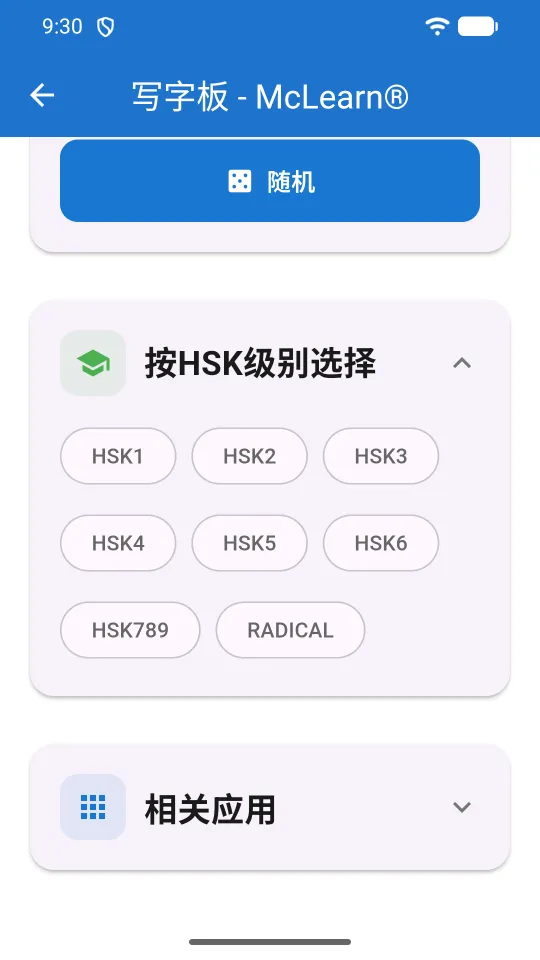
Study by HSK level
Pick HSK1 to HSK6, HSK789 or RADICAL to work through a list, or tap 随机 for a random character to practise.
Three things worth doing first
Write your first character
- Tap search and type a character, or its pinyin.
- Tap 演示 Demo and watch the order once or twice.
- Tap 练习 Practice and trace it over the outline.
- If a stroke is rejected, check the direction and try it again.
- Tap the star to save it to your favourites.
Work through an HSK level
- Open 按HSK级别选择.
- Choose the level you are studying, from HSK1 to HSK789.
- Practise each character, then use 随机 to test yourself at random.
See the Traditional form
- Look at the 繁 chip at the top: it shows the Traditional counterpart.
- Tap ⓘ to see both forms with the decomposition.
- Practise the Traditional form the same way.
Common questions
How many characters does Xie Zi have?
More than 9,500 characters and radicals, each with pinyin and an English meaning, grouped by HSK 1–6, HSK 7–9 and radicals.
Does it teach Simplified or Traditional characters?
Both. Simplified and Traditional counterparts are shown side by side, and you can practise either.
Is the stroke order correct?
The app uses authentic stroke data, so the order is the one you would be taught.
Does it work offline?
Stroke data is cached on your device, so a character you have traced once works with no connection at all. A character you have never opened needs a connection the first time.
Do I need an account?
No account and no sign-up. Your favourites, history and progress stay on your device.
Can I hear how a character is pronounced?
Yes. Tap the speaker to hear any character read aloud in Mandarin.
Is there a web version?
Yes: open Xie Zi in your browser. It also runs on phones and tablets from the App Store and Google Play.
写字板 · Write it yourself.
Open the writing pad in your browser, or install it on iPhone, iPad or Android.
 McChinese
 McCantonese
 McEnglish
 Great Cantonese Dictionary
 QuickOne Scanner
 Momera GO
 McMuse